notes on Louppe
photo culling guides and development notes
How to sort JPEG photos on Mac without importing or editing
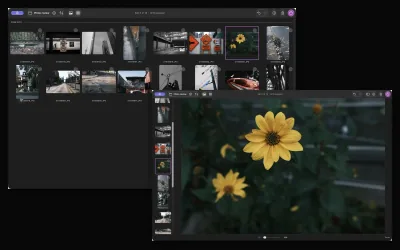
Choose your best JPEG photos on Mac with Louppe. Mark keepers, check your shortlist, and copy the original files to a separate folder
Why RAW photos change when you zoom in on Mac
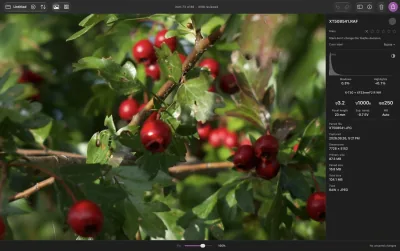
Understand camera previews, Apple RAW rendering, and the change at 100% in Louppe. Check focus and color using the rendering you intend to judge
ApolloOne alternative for Mac: view and sort photos

Compare Louppe and ApolloOne for photo viewing and culling on Mac. Browse JPEG and RAW folders, choose keepers, and check the differences before switching
How to cull photos on Mac before importing into Lightroom
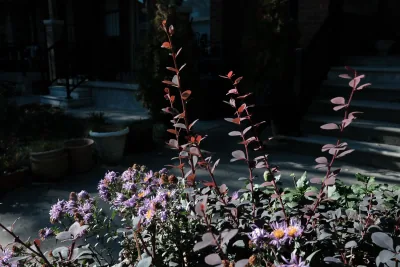
Cull photos on Mac for free with Louppe. Review offline, copy your keepers, and start editing in Lightroom Classic, Capture One, or darktable
How to cull RAW + JPEG pairs on Mac
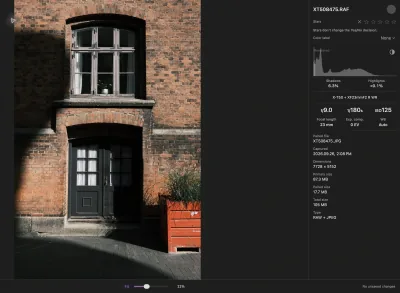
Cull RAW + JPEG pairs on Mac with Louppe. Review matching files together, keep separate decisions when needed, and copy your keepers
Louppe becoming a real thing: introducing 1.9
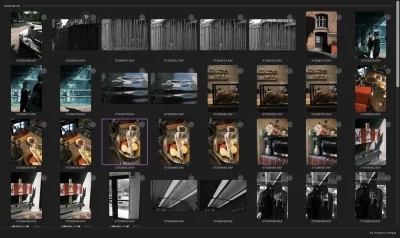
Clearer controls and an easier start for photo, video, and audio culling in Louppe 1.9